
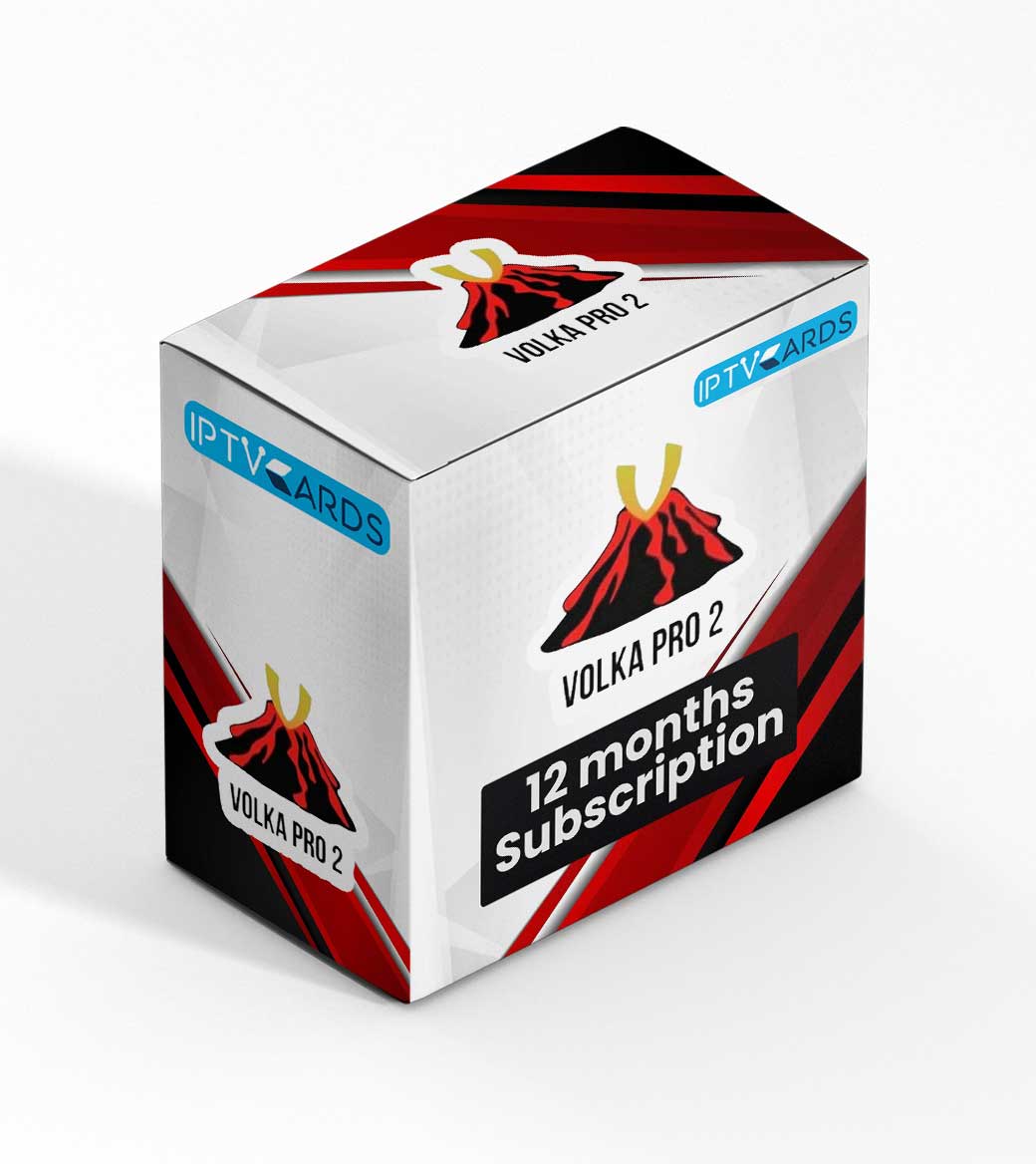
Beginner’s Guide to VOLKA PRO V3.0.0 + Activation Codes
Welcome to your simple guide for VOLKA PRO V3.0.0. This article will help you understand what VOLKA PRO is and how to use it with activation codes. We will cover everything from installation to fixing common problems. Let’s get started.
📺 What is VOLKA PRO?
VOLKA PRO is an IPTV application. It lets you watch live TV channels, movies, and series on your device. The V3.0.0 version is an update with new features and improvements.
Getting Started with VOLKA PRO
Before you begin, you need a few things. First, you need an Android device. This can be a phone, tablet, or TV box. Second, you need a stable internet connection. Third, you need a valid activation code for VOLKA PRO V3.0.0. This code unlocks the app.
Why Choose the VOLKA PRO App?
You might wonder why to use VOLKA PRO. Here are some simple reasons:
-
Easy to Use:
The interface is simple and clean. -
Many Channels:
You get access to thousands of live TV channels from different countries. -
VOD Library:
Watch movies and TV series on demand. -
Good Support:
The app gets regular updates to fix bugs. -
EPG Guide:
See what’s on TV now and next with the electronic program guide.
How to Install VOLKA PRO V3.0.0
VOLKA PRO is not on the Google Play Store. You must install it manually. Follow these steps carefully.
-
On your Android device, open
Settings
. -
Go to
Security
or
Privacy
. -
Find the option for
Unknown Sources
or
Install unknown apps
. -
Turn this setting
ON
for your browser (like Chrome). This allows installation from outside the Play Store. -
Open your web browser and search for
“VOLKA PRO V3.0.0 APK download”
. - Download the APK file from a trusted website.
- Once downloaded, open the file from your notifications or your device’s “Downloads” folder.
-
Tap
Install
and wait for the process to finish. -
After installation, tap
Open
to launch the app.
How to Use VOLKA PRO with Activation Codes
After opening the app, you need to activate it. Here is how.
- Open the VOLKA PRO app on your device.
-
You will see a screen asking for an
Activation Code
. - Enter the activation code you purchased from your IPTV service provider.
-
Tap on the
Activate
or
Submit
button. - If the code is correct, the app will unlock. You will see the main menu.
-
Now, you need to add your IPTV playlist. Go to
Settings
or
Playlist
inside the app. - Enter the URL or M3U link given by your IPTV provider. Also, enter your username and password if required.
- Save the settings. The app will load the channels and VOD content.
- You can now browse channels and start watching.
⚠️ Important Note:
You must get the activation code and IPTV playlist from a legitimate provider. This guide does not provide codes. The app is just a player for your IPTV service.
Best Settings for VOLKA PRO
For the best viewing experience, check these settings.
-
Player Type:
In settings, try different players (like HW, VLC, or EXO). If you have buffering, change the player. -
EPG Source:
Make sure the EPG URL from your provider is correctly entered to see TV schedules. -
Parental Control:
You can set a PIN to lock channels if needed. -
App Updates:
Keep the app updated to the latest version for new features and stability.
Troubleshooting Common Issues
Having problems? Try these solutions.
App Won’t Install
Make sure “Unknown Sources” is enabled. Also, check if you have enough storage space on your device.
Activation Code Not Working
Check your internet connection. Type the code carefully. If it still fails, contact your IPTV provider. The code might be expired or incorrect.
Channels Are Buffering
This is usually a network or server issue. Check your internet speed. Try lowering the video quality in the app’s settings. Also, try a different video player option.
No Picture or Sound
Ensure your playlist URL is correct and active. Restart the app. Check if your IPTV subscription is still valid.
App Crashes on Startup
Clear the app’s cache from your device settings. If that doesn’t work, uninstall and reinstall the APK file.
Final Thoughts on VOLKA PRO V3.0.0
VOLKA PRO V3.0.0 is a good IPTV player for Android. It is simple and works well with a proper IPTV service. Remember, the app needs a valid activation code and playlist to work. Always use services from reliable providers for the best experience. We hope this guide helped you set up and enjoy your IPTV.
Looking for a premium, reliable IPTV service to use with players like VOLKA PRO?
Explore IPTV Services at Smarters-Pro
Your gateway to stable, high-quality IPTV streaming.