
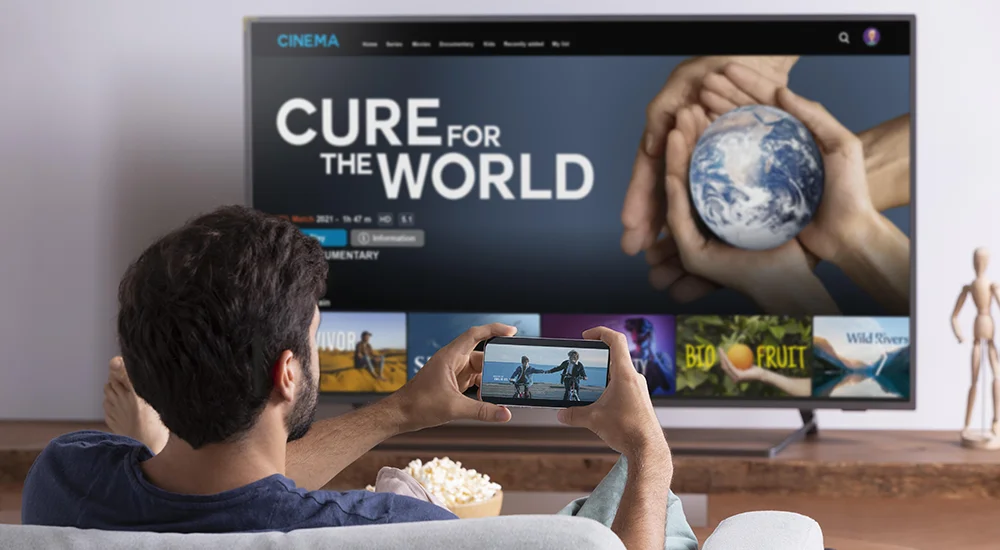
You want to watch TV on your phone, tablet, or TV box. You heard about an app called IPTV Smarters. But what is it? This guide is for you. We will explain what IPTV Smarters is and show you how to use it step-by-step. It’s easier than you think!
📺 Quick Tip:
IPTV Smarters is a free app. It lets you watch live TV, movies, and series if you have an IPTV subscription from a provider.
What is IPTV Smarters?
IPTV Smarters is a popular app. You can install it on many devices. These include Android phones, Amazon Fire TV Stick, and smart TVs. The app itself is free. But to watch channels, you need an IPTV service. You get this service from a provider. The app is like a TV remote and guide. It organizes your channels and videos from your provider.
Main Features of IPTV Smarters
-
Watch Live TV:
Stream hundreds of live channels. -
Video on Demand (VOD):
Watch movies and TV series anytime. -
Electronic Program Guide (EPG):
See what’s on now and next. -
Multi-Screen Support:
Use it on multiple devices. -
User-Friendly:
The interface is clean and easy to navigate.
How to Install IPTV Smarters in 3 Steps
Follow these simple steps to get the app on your device.
Step 1: Find and Download the App
The way you download depends on your device.
-
Android Phone/Tablet:
Open the Google Play Store. Search for “IPTV Smarters Pro”. Tap “Install”. -
Amazon Fire TV Stick:
Go to the Amazon Appstore. Search for “IPTV Smarters”. Download it. -
Other Devices:
Sometimes you need to download the APK file from a website. Be careful and use trusted sites.
Step 2: Install and Open the App
After downloading, the app will install. Find the IPTV Smarters icon on your home screen. Tap it to open the app.
Step 3: Accept the Terms
The first time you open the app, you will see a welcome screen. Read the terms of use. Then, click the box that says “I accept the terms & conditions”. Finally, click “Let’s Go” to start.
How to Configure Your IPTV Service
Now you need to add your IPTV subscription details. You must get these from your IPTV provider.
-
On the app’s main screen, click
“Add New User”
. -
Choose
“Login with Xtream Codes API”
. This is the most common method. -
Enter the details from your provider:
-
Name:
Any name you want (e.g., “My TV”). -
Username:
Your provider username. -
Password:
Your provider password. -
URL/Portal:
The server URL from your provider.
-
-
Click
“Add User”
. The app will now load your playlist.
How to Watch Live TV and Movies
After setup, watching is easy.
Navigating the Menu
You will see a main menu. It has options like
Live TV
,
Movies
,
Series
, and
TV Guide
.
Selecting Content
To watch live TV, click “Live TV”. You will see a list of channel categories. Choose a category, then select a channel. The stream will start after a few seconds. For movies, go to the “Movies” section. Browse and click on a movie to play it.
Fixing Common Problems
Sometimes things don’t work. Here are simple fixes.
“Invalid Login” Error
Check your username, password, and URL. Type them carefully. Contact your IPTV provider to confirm they are correct.
Channels Not Loading or Buffering
This is often an internet problem. Check your Wi-Fi or data connection. Try restarting your router. You can also lower the video quality in the app’s settings.
No EPG (TV Guide) Information
The guide data comes from your provider. Wait a few minutes for it to load. If it stays empty, your provider may have an issue. Contact them for support.
You Are Ready to Watch!
IPTV Smarters is a great tool for your IPTV subscription. It makes watching TV simple. Remember, the app needs a subscription from a provider to work. Follow the steps above to install, set up, and start watching. Enjoy your new way to watch TV!
Get the Best IPTV Smarters Experience
For a stable, high-quality IPTV service to use with your app, visit our trusted partner.