
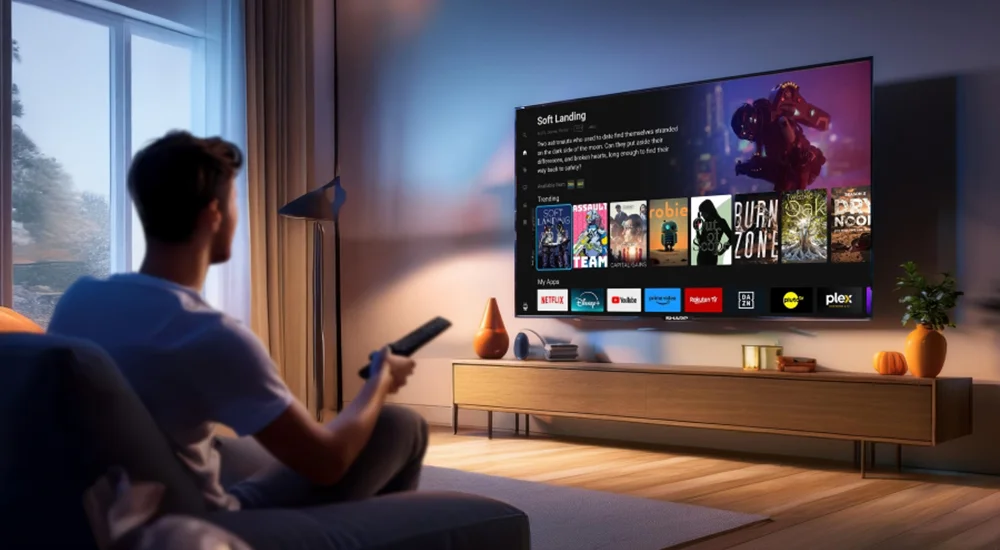
Your Guide to IPTV Smarters Pro and 12-Month Subscriptions
Welcome! This guide is all about IPTV Smarters Pro and getting a 12-month subscription. We will explain what it is, how it works, and how to set it up. This is a helpful guide to make your experience smooth and easy.
What is IPTV Smarters Pro?
It is a popular app for watching TV channels and videos over the internet. You need a subscription from a provider to use it. This guide helps you understand the app and your subscription.
Key Features of IPTV Smarters Pro
IPTV Smarters Pro has many useful features. Here are the main ones:
-
Easy to Use:
The design is simple and clear for everyone. -
Watch Live TV:
Stream your favorite channels live. -
Video on Demand (VOD):
Watch movies and TV shows anytime. -
Electronic Program Guide (EPG):
See TV schedules and program info. -
Multi-Screen Support:
Use it on phones, tablets, and TV boxes. -
Parental Control:
Lock channels to keep kids safe. -
Favorites List:
Save your most-watched channels for quick access.
How to Install IPTV Smarters Pro
Follow these simple steps to install the app on your device.
Step 1: Get the App
You can download IPTV Smarters Pro from official app stores.
-
Android Phone/Tablet:
Go to the Google Play Store. Search for “IPTV Smarters Pro” and install it. -
Android TV Box:
Use the Play Store on your TV. Search and install the app there. -
iPhone/iPad:
Go to the Apple App Store. Search for “IPTV Smarters Player” and install it.
If you cannot find it in the store, you may need to download the APK file from a trusted website for Android devices. Be careful and only use official sources.
Step 2: Open the App
After installation, find the IPTV Smarters Pro icon on your device. Tap or click on it to open the app.
How to Set Up Your Subscription
Now, you need to enter your subscription details. You get these details from your IPTV provider when you buy a 12-month plan.
Step 1: Enter Your Login Details
When you open the app for the first time, you will see a login screen.
-
Select
“Login with Xtream Codes API”
. This is the most common method. -
You will see empty boxes. You need to fill them with information from your provider:
-
Portal URL:
This is the server address (like http://example.com). -
Username:
Your personal username. -
Password:
Your personal password.
-
- Type the information carefully. Check for typos.
Step 2: Save and Load Your Playlist
After entering your details, click the
“Add User”
or
“Login”
button.
The app will connect to your provider’s server. It will then download the list of channels and videos. This may take a few moments. Please wait.
Tips for the Best Performance
To enjoy smooth streaming, follow these tips:
-
Use a Good Internet Connection:
A stable Wi-Fi or ethernet connection is best. For HD channels, you need faster speed. -
Restart the App:
If the app is slow, close it completely and open it again. -
Update the App:
Sometimes, new versions fix problems. Check the app store for updates. -
Check Your Subscription:
Make sure your 12-month subscription is active and not expired.
Fixing Common Problems
Sometimes, things don’t work. Here are simple solutions.
Problem: Cannot Login
Solution:
Double-check your username, password, and portal URL. These details must be 100% correct. Contact your provider if you are sure they are right but still cannot login.
Problem: Channels Are Buffering
Solution:
Buffering means the video stops to load. Check your internet speed. Try lowering the video quality in the app’s settings. Also, restart your internet router.
Problem: No EPG (TV Guide) Information
Solution:
Go to the app settings. Look for “EPG Settings” or “Update EPG”. Try to update the guide manually. If it doesn’t work, your provider might have an issue with the EPG source.
Summary: Enjoy Your IPTV Experience
IPTV Smarters Pro is a great app for watching TV with your subscription. Remember to install it from a trusted source, enter your login details correctly, and use a good internet connection. If you have problems, try the simple fixes in this guide. A 12-month subscription gives you long-term access to entertainment. Enjoy your viewing!
Ready to explore IPTV Smarters Pro?
Visit the Official Website for More Info
Learn more about the app and official services.