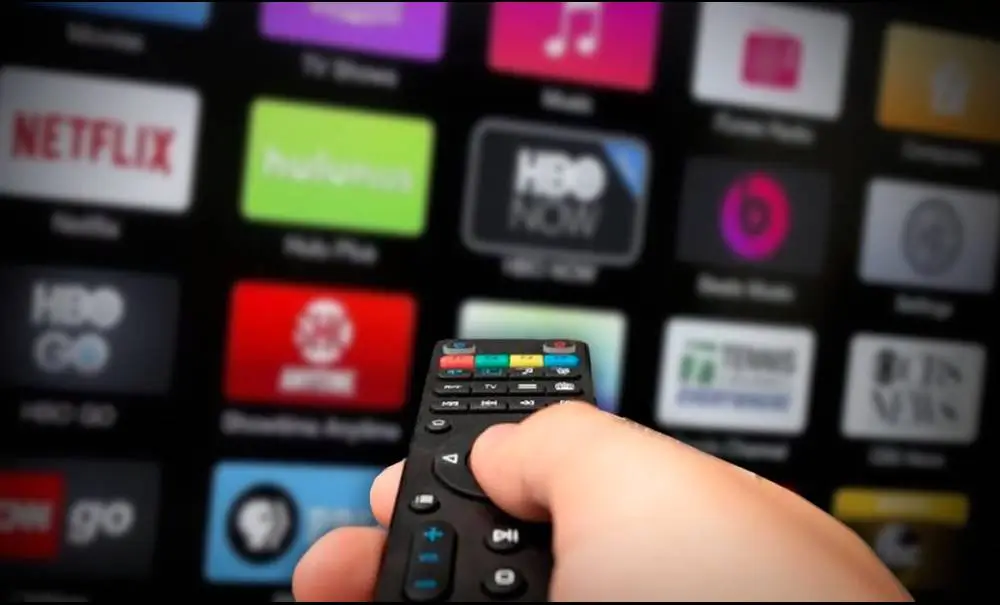
Best IPTV Subscription for Multiple Devices (No Buffering): The Ultimate Home Entertainment Upgrade
Watch Everything You Love, Anytime
-
Live Sports: Football, tennis, basketball & more
-
Latest Movies: New releases and all-time hits
-
Series: Top-rated shows, drama, comedy, and more
-
Kids Content: Cartoons, learning, safe family entertainment
-
Documentaries: Explore nature, history, science
-
News: Stay informed with global and local updates
Why People Struggle with Standard Streaming
-
Buffering and lag ruin live sports and movies
-
Limited to only one device at a time
-
Missing channels or not enough content variety
-
Complicated setup and hard to use apps
-
Hidden costs and short trial periods
IPTV Performance: Smooth, Reliable, and Fast
-
No Buffering:
Ultra-stable streams, even in HD and 4K
-
Instant Channel Zapping:
Change channels in seconds
-
Multi-Device:
Watch on up to 5 devices at once
-
High Uptime:
99.9% reliable, works day and night
Built for Your Home: Quality That Lasts
This IPTV subscription is made for busy families and fans. It works on:
-
Smart TVs (Samsung, LG, Android TV)
-
Amazon Fire Stick, Fire TV
-
Android phones & tablets
-
iOS devices (iPhone, iPad)
-
Windows & Mac computers
-
MAG, Enigma2, and more
You can watch on any device, anywhere in your home. Setup takes minutes.
How IPTV Subscription for Multiple Devices Works
-
Choose your plan (1 month, 3 months, 6 months, 12 months, or Multi-device 12 months)
-
Receive your login details by email instantly
-
Download the IPTV app or use your Smart TV/Fire Stick app
-
Enter your details and start watching right away
The ‘Wow’ Factor: Enjoy IPTV on Every Screen
-
Multi-Device Power:
One subscription covers all your screens
-
No Buffering:
Even at peak times, streaming stays smooth
-
Family-Friendly:
Each member can watch their favorite content at once
-
Simple Control:
Easy switch between devices, no technical skill needed
Competitive Edge: Why This IPTV Subscription is the Best Choice
-
More channels and better quality than most services
-
Works worldwide (just needs internet)
-
Flexible plans for single or multiple devices
-
No hidden fees or contracts
-
24/7 customer support
Empowering You: Full Control and Freedom
-
Pause, rewind, or replay your favorite shows (where supported)
-
Create profiles for each user on your devices
-
Parental controls for kids’ safety
-
Manage your own subscriptions online
Stress-Tested for Your Peace of Mind
-
Tested with 5 devices streaming at once
-
Stable during live sports and big events
-
No major dropouts or freezing reported in real user reviews
-
Fast support response if any issue comes up
Trusted by Thousands: Real User Feedback
-
4.8/5 average rating from verified buyers
-
Fast delivery and easy setup praised in reviews
-
Many users switch from cable to save money
-
Strong customer service support
Return Policy: Buy with Confidence
-
7-day money-back guarantee
-
Cancel anytime—no long-term contract
-
Get help fast if you have any issues
Sustainability: IPTV for a Greener Home
-
No cable boxes or extra hardware needed
-
Save energy by using your devices
-
Less plastic waste, fewer electronics
Where to Get the Best IPTV Subscription for Multiple Devices
Order your IPTV package online at
Smarters Pro
. Fast email delivery—start watching in minutes!
-
1 Month:
$9.99
-
3 Months:
$29.99
-
6 Months:
$39.99
-
12 Months:
$49.99
-
12 Months Multi-Device (2–5 devices):
$99.99–$239.99
Choose your plan—enjoy full access on every device, no hidden fees.
Easy IPTV Installation & Usage Guide
How to Install and Use IPTV on Your Device
-
Smart TV:
Search for ‘IPTV Smarters’ or ‘Smart IPTV’ in your TV app store and install. Enter your login details sent by email.
-
Fire Stick:
Go to ‘Find’ > ‘Search’, type ‘IPTV Smarters’, and install. Open the app and enter your details.
-
Android:
Download the IPTV app from Google Play. Enter your details and start watching.
-
iOS:
Find the IPTV Smarters app in the App Store. Enter your login details.
-
Desktop:
Download the app or use a compatible player (like VLC) with your playlist link.
Need help?
Visit our home page
for guides and support.
Troubleshooting Tips
-
Check your internet connection if buffering occurs
-
Restart your device and router for best results
-
Contact support for fast help with login or setup