

📺 Smarters IPTV PRO – Step-by-Step Setup for Everyone
If you just got an IPTV subscription and don’t know how to use it, this guide is for you.
Smarters IPTV PRO is one of the most popular apps to watch IPTV. You can use it on phones, TVs, computers, and Fire Stick. Setup is easy and fast.
Let’s help you get started.
🧾 What You Need Before You Start
Make sure you have:
-
✔️ A valid IPTV subscription (with login or M3U link)
-
✔️ Internet connection (Wi-Fi or mobile data)
-
✔️ A supported device
-
✔️ 5 to 10 minutes of time
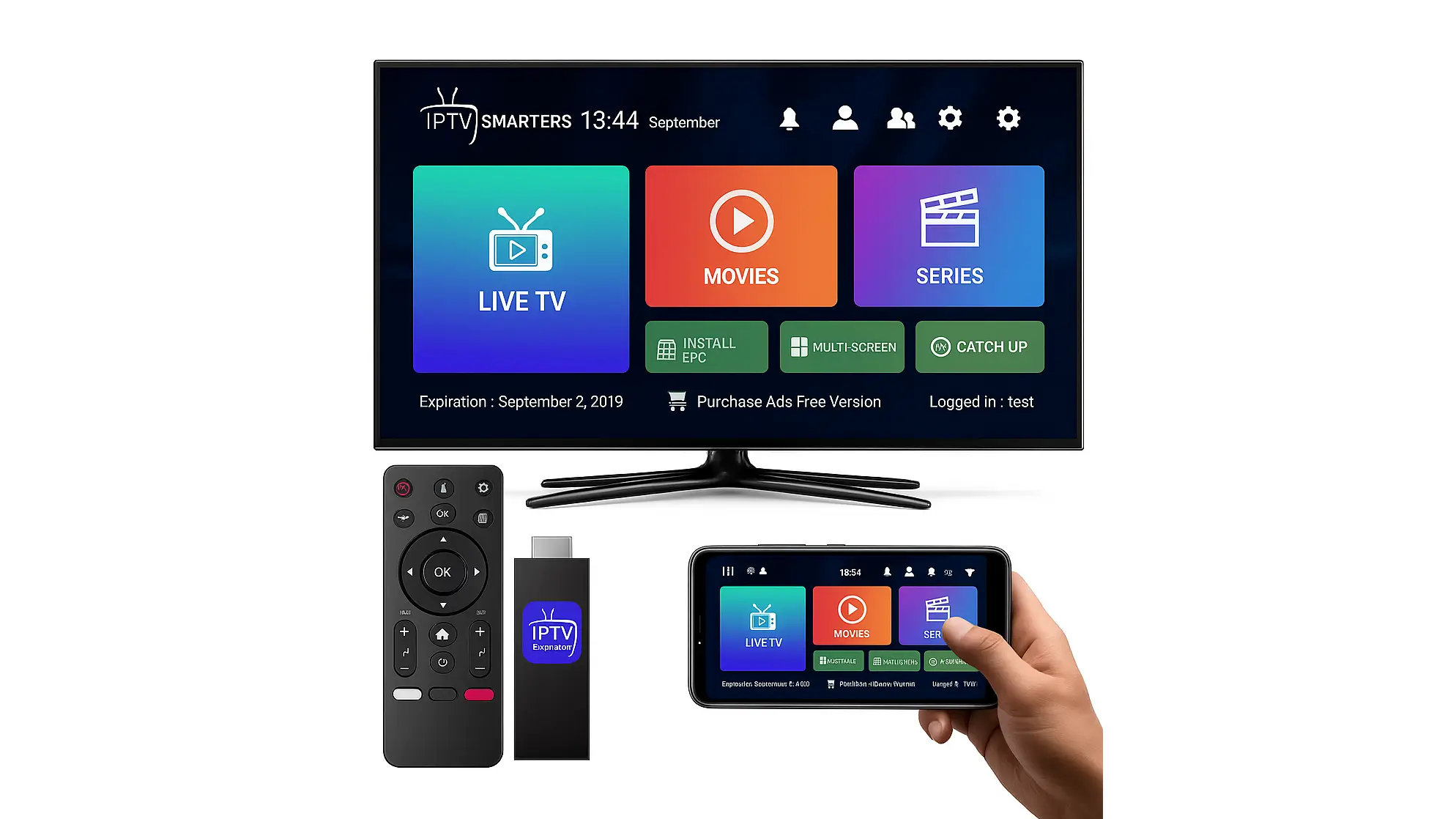
📱 How to Set Up Smarters IPTV PRO on Android (Phone or TV Box)
Follow these simple steps to install and run the app on your Android phone, tablet, or TV box.
✅ Step-by-Step:
-
Open Chrome or any browser on your device
-
Go to the official site:
👉 https://www.iptvsmarters.com/#downloads -
Scroll down until you see “Download for Android APK”
Tap the Android APK button to download the app file (.apk) -
While it downloads, go to:
Settings > Security > Unknown Sources
→ Turn ON the option to allow unknown apps -
After the APK finishes downloading:
-
Tap the file
-
Tap Install
-
Wait for it to finish
-
-
Open the app
You will see three login options:
✅ Login with Xtream Codes API (recommended)
✅ Login with M3U URL
✅ Login with File/Playlist URL -
Choose “Login with Xtream Codes API”
(Ask your IPTV provider for:-
Server URL
-
Username
-
Password)
-
-
Enter the details correctly
-
Example:
Server:http://yourprovider.com:8080
Username:john123
Password:mypassword
-
-
Tap Add User and wait 10–30 seconds.
Your channels will load automatically.
ℹ️ Tips for Android Users
-
Use Wi-Fi for faster streaming
-
Keep the app updated (check official site monthly)
-
If the app crashes, clear the cache:
Settings > Apps > Smarters Pro > Storage > Clear Cache -
If login fails, double-check spelling (no spaces)
Done! Now you can explore the app
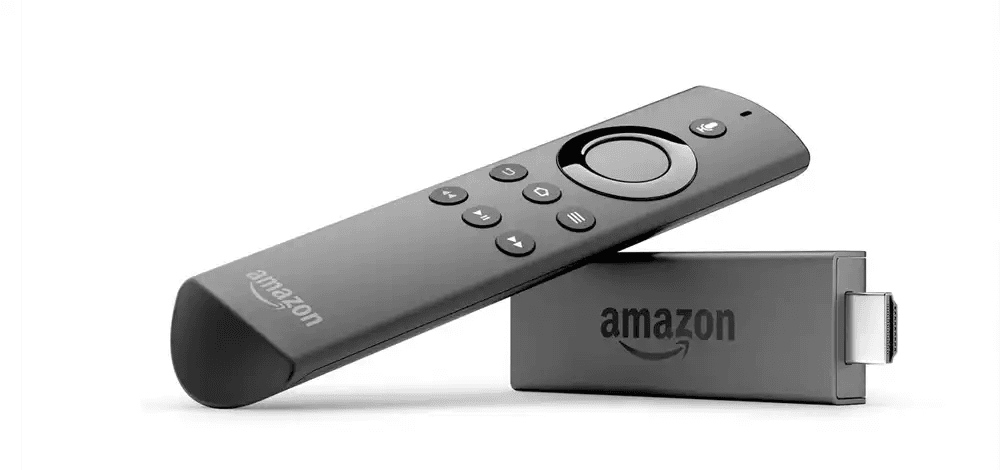
🔥 How to Set Up on Fire Stick / Fire TV
-
✅ Easy Steps:
-
On your Fire Stick, go to:
Settings > My Fire TV > Developer Options -
Turn ON:
-
ADB Debugging
-
Apps from Unknown Sources
-
-
Go back to the Fire Stick home screen.
Tap the Search icon (🔍) -
Type: Downloader
-
Click on the orange Downloader app
-
Tap Download and then Open
-
-
In Downloader, type this link:
👉 https://www.iptvsmarters.com/#downloads -
Scroll down on that page and tap:
Download for Android TV / Fire Stick -
Wait for the download. Then tap Install
-
After install, tap Open
-
-
Now the app is ready.
You will see 3 login options:
✅ Xtream Codes API (best choice)
✅ M3U URL
✅ Playlist File -
Choose Xtream Codes API. Enter:
-
Your Server URL
-
Your Username
-
Your Password
Then tap Add User
-
-
Wait a few seconds.
🎉 Your IPTV content will load!
💡 Need help getting Downloader?
-
Go to Home > Search
-
Type Downloader
-
Tap Get / Install
-
Open it and follow the steps above
Want help with setup?
👉 Visit smarters-pro.net to ask for a free guide.
Or 👉 go to iptvsmarters-pro.net to get a working IPTV subscription. -
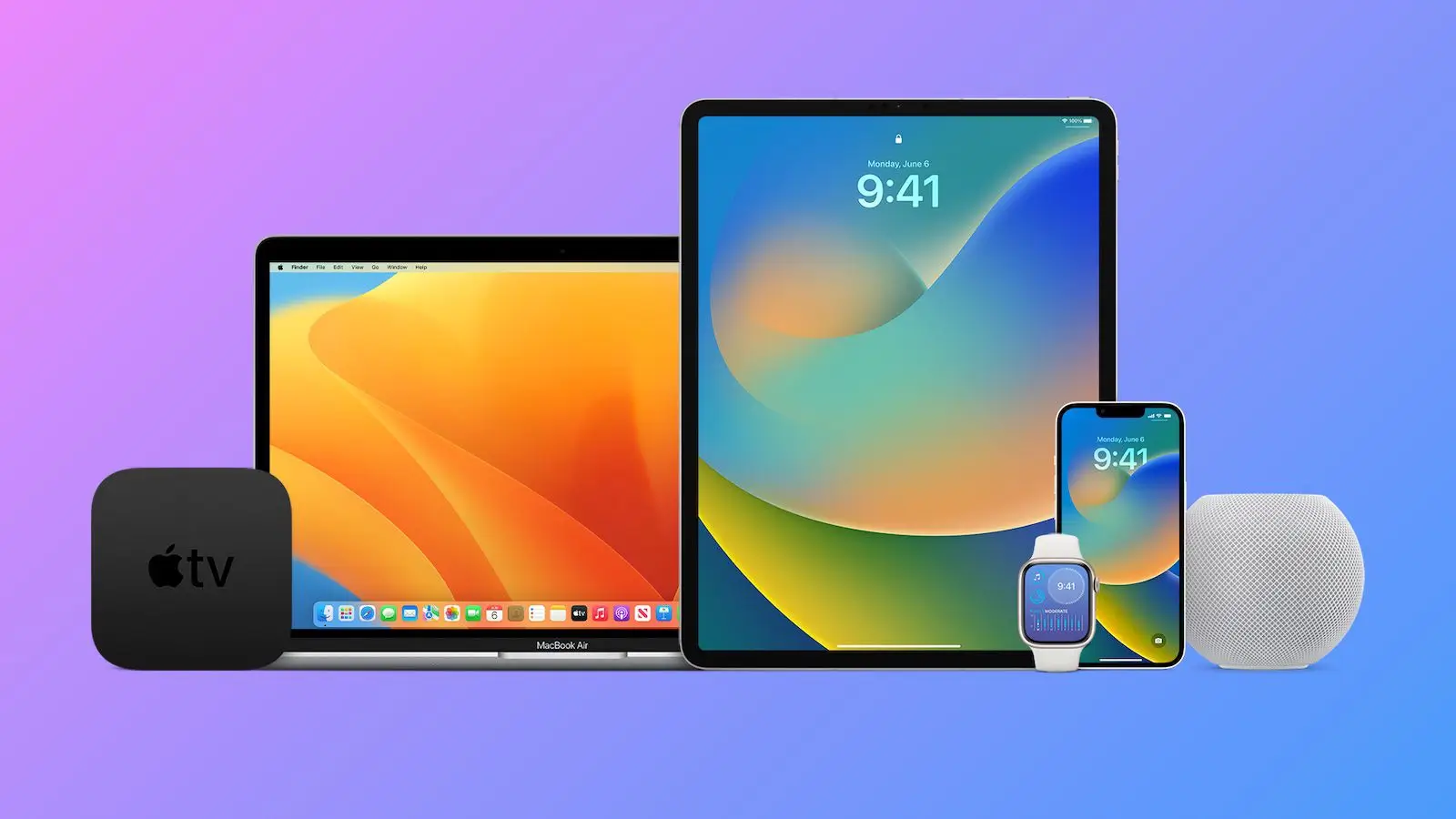
🍏 How to Set Up on iPhone, iPad, Apple TV
-
✅ Easy Steps:
-
Open the App Store on your iPhone, iPad, or Apple TV
-
In the search bar, type:
👉 IPTV Smarters Pro -
Find the app and tap Install
-
When it finishes, tap Open
-
On the first screen, you will see login options
Choose one:
✅ Xtream Codes API (recommended)
✅ M3U URL
✅ Playlist File -
Enter the IPTV account info from your provider:
-
Server URL
-
Username
-
Password
-
-
Tap Login
-
Wait a few seconds…
🎉 Your channels and content will load automatically!
⚠️ Important Note
Some iPhones or iPads may show a message:
“Allow streaming over mobile data?”
Tap “Allow” to continue.
Need help?
👉 Go to smarters-pro.net for free help and setup guide
👉 Visit iptvsmarters-pro.net to get a ready-to-use IPTV plan -
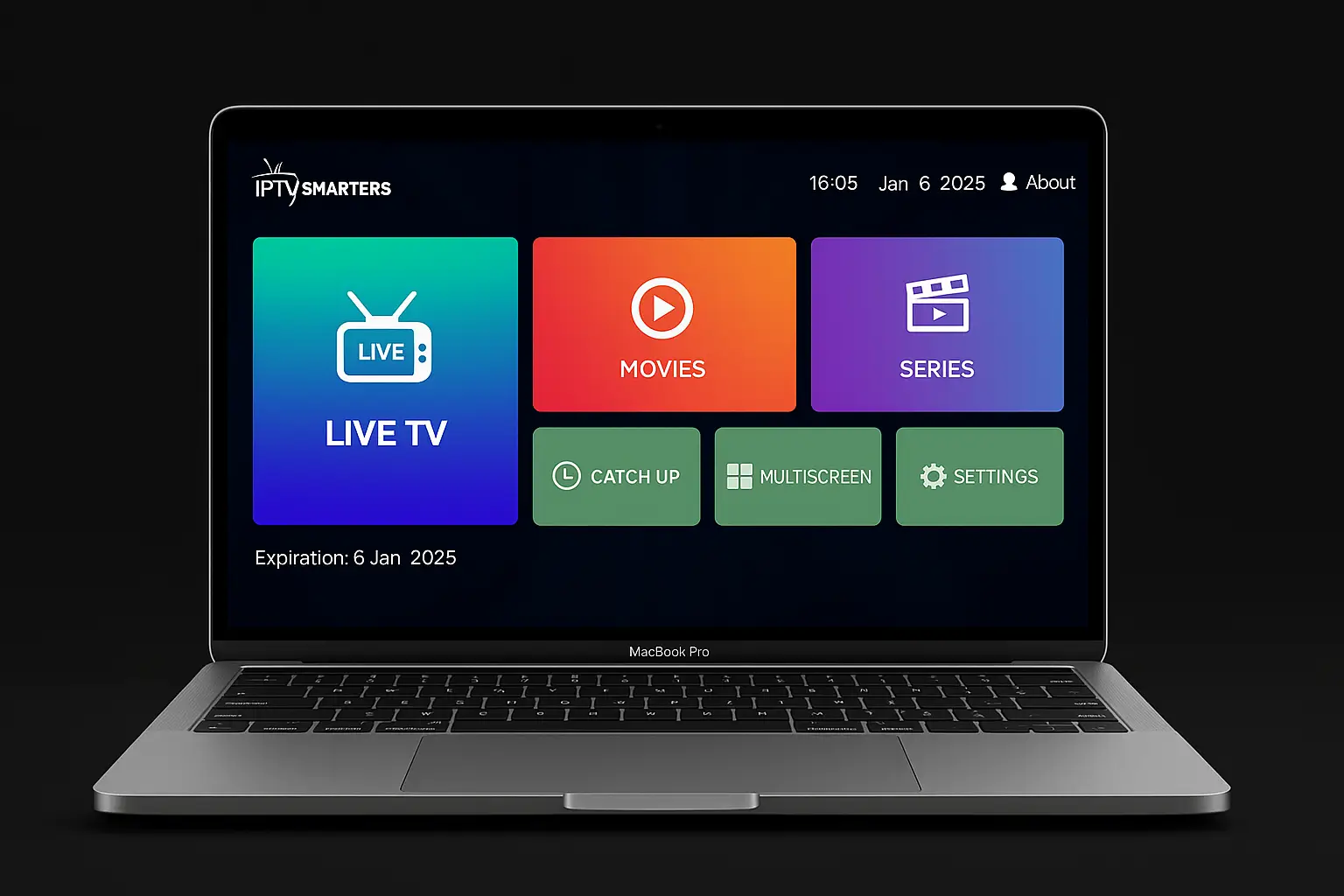
🖥️ How to Set Up on Windows PC or Laptop
-
✅ Step-by-Step Instructions:
-
Open your web browser on your PC
-
Go to this page:
👉 https://www.iptvsmarters.com/#downloads -
Scroll down until you see the Windows section
-
Click the Download button for Windows
-
When the file (EXE) finishes downloading:
-
Double-click it
-
Tap Install
-
Wait for it to finish
-
-
After install, open the app from your desktop
-
Choose how you want to log in:
✅ Xtream Codes API (best option)
✅ M3U URL
✅ Playlist File -
Enter your IPTV login info from your provider:
-
Server URL
-
Username
-
Password
-
-
Tap Login
Wait a few seconds…
🎉 Your channels, movies, and TV shows will load!
💡 Pro Tips for PC Users
-
Use a mouse for easier navigation
-
Press F11 or click full screen for better viewing
-
For best performance, close other programs while watching
Need help?
👉 Ask for help at smarters-pro.net — Free install support
👉 Or visit iptvsmarters-pro.net to get an IPTV subscription that works with the app -
🛠 Features of Smarters IPTV PRO App
-
📺 Live TV with categories
-
🎬 Movies & Series on demand
-
🗓️ EPG (TV Guide)
-
⏪ Catch-up TV (if available)
-
👨👩👧👦 Parental Control
-
🧑💼 Multi-user support
-
🎨 Clean and modern interface
-
💬 Multi-language support
💡 Tips for Better Performance
-
Use a stable internet connection (at least 10 Mbps)
-
Restart the app if channels don’t load
-
Use an external player (like VLC) if videos buffer
-
Keep the app updated from the official site
-
Contact support if login info doesn’t work
✅ Devices That Work with Smarters IPTV PRO
| Device Type | Works With Smarters PRO |
|---|---|
| Android phones | ✅ Yes |
| Fire Stick / Fire TV | ✅ Yes |
| Android TV | ✅ Yes |
| iPhone / iPad | ✅ Yes |
| Windows PC | ✅ Yes |
| Samsung / LG TVs | ✅ Via App Store / APK |
| MAG Box / TV Box | ✅ With Xtream or M3U |
📩 Need Help?
If you are stuck or need help installing, we can guide you.
👉 Fill out the help form at smarters-pro.net
We’ll send you a free setup PDF and tips to get started.
Or visit: https://iptvsmarters-pro.net to explore IPTV plans.
🏆 Expert Opinion from TopFireStick.com
| “We love how easy Smarters IPTV PRO is to set up. We tested it on Android, iPhone, and Fire TV – all smooth. Great app for beginners and advanced users alike.” |
🎉 Final Step: Start Watching!
Now that the app is installed:
-
📲 Open it
-
🔐 Enter your IPTV login
-
📡 Let it load channels
-
🎬 Watch movies, sports, or news – anytime!
Enjoy IPTV like a pro, even if you’re just starting.