

IPTV Smarters Pro – Full Guide, Features, Setup & Overview
What is IPTV Smarters Pro?
IPTV Smarters Pro is a powerful and versatile online video player that delivers a smooth and high-quality viewing experience across multiple platforms. Designed for seamless usability, it supports a wide range of formats, including M3U and JSON playlists, enabling users to play their personally owned media from both local storage and remote sources.
It is a media player application that allows users to watch Live TV, Movies, Series, and audio/video content from IPTV service providers or local files. The app itself does not provide content — users must supply their own playlists.
Supported Devices & Platforms
IPTV Smarters Pro is available across multiple environments, making it a flexible solution for different users:
- Android Devices: Android phones, Android TVs, Android TV boxes, Fire TV Sticks, Nvidia Shield TV, and other Android-based devices
- Windows / macOS: Windows 8/10 and all versions of macOS
- iOS Devices: iPhone, iPad, and Apple TV (tvOS)
- Smart TVs: LG and Samsung Smart TVs (via app store)
Core Features Overview
The app includes a wide range of features designed to enhance the viewing experience:
- Support for Live TV, Movies, Series, and TV Catch-Up
- Master Search functionality
- New modern layout / UI design
- Support for EPG (TV Program Guide)
- Chrome Casting support
- Parental Controls
- Continue Watching and Recently Added sections
- Multi-screen and multi-user support
- Support for M3U File and URL playlists
- Ability to play local audio and video files
- Option to play a single stream
- Support for external players
- Integrated speed test and VPN support
- Dynamic language switching
- Picture-in-picture mode
- Recording streams
Additional features include:
- Native and built-in video players
- Episode resuming bar
- External EPG support
- Ability to change video buffer size
- Improved Chrome casting
User Experience & Interface
IPTV Smarters Pro offers a user-friendly interface with an intuitive design for effortless media playback. The application allows users to:
- Filter channels by category
- Search for specific content
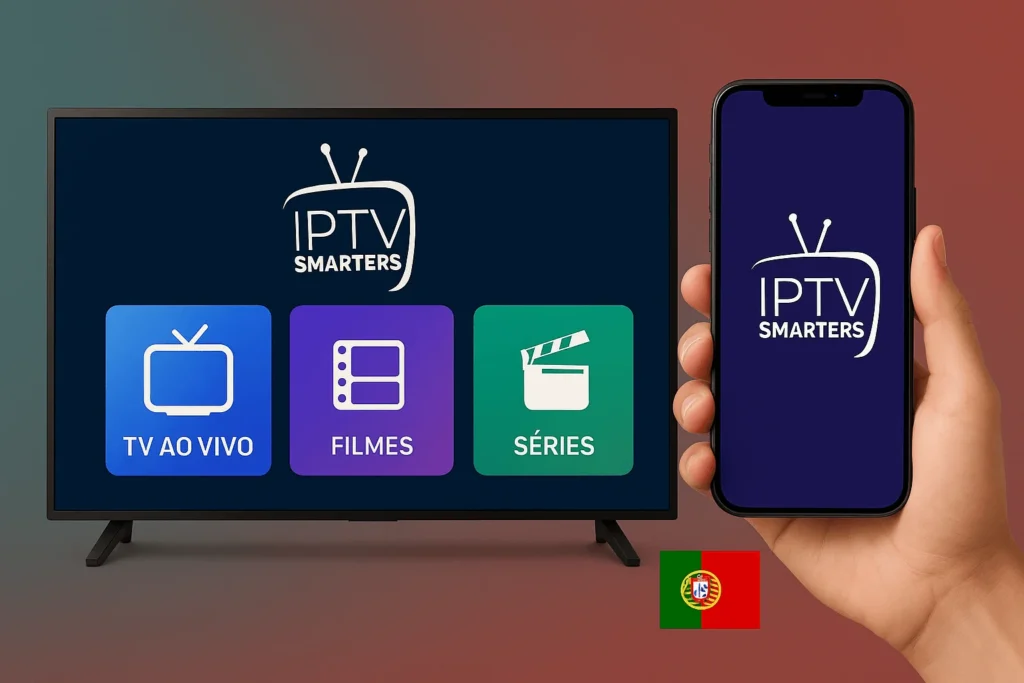
- Access Live TV, Movies, and Series sections
- Use standard playback controls such as volume, subtitles, and pause
The interface is structured to ensure smooth navigation and quick access to content.
How to Set Up IPTV Smarters Pro
Setting up IPTV Smarters Pro is simple and requires only a playlist:
- Open the app and select Load Your Playlist or File/URL
- Enter a name for your playlist
- Paste the playlist URL (usually ending with .m3u)
- Click Add User
Once completed, the app will display categories such as:
- Live TV
- Movies
- Series
Users can then start streaming immediately.
Customization Options
Before regular use, users can configure various settings:
- Adjust image color settings
- Enable or disable subtitles by default
- Set parental controls
- Change time format
- Schedule stream recordings
- Enable automatic app launch on device startup
Performance & Capabilities
IPTV Smarters Pro is designed as a simple, lightweight, and powerful application. It supports high-quality playback with advanced video handling, ensuring a stable streaming experience across devices.
With a proper internet connection and a valid playlist, users can access thousands of channels from different countries, including:
- United States
- Japan
- Spain
- United Kingdom
- France
- China
- Mexico
- Germany
- Brazil
- Morocco
- Egypt
Requirements
- Android version 4.2 or higher
Disclaimer
- IPTV Smarters Pro does not supply or include any media or content
- Users must provide their own content
- The app has no affiliation with any third-party provider
- Streaming copyright-protected material without permission is not endorsed
Conclusion
IPTV Smarters Pro is a fully featured IPTV player designed for flexibility, performance, and cross-platform compatibility. With support for multiple formats, advanced playback features, and broad device availability, it serves as a comprehensive solution for users who want to stream their own media content efficiently.