
📺 Step-by-Step Guide to Watch Sports on IPTV
Want to watch football, UFC, NBA, or F1 without cable?
You can use IPTV. It’s fast, easy, and works on any device.
Here’s the full guide for beginners.
🛍️ Step 1: Buy IPTV from a Trusted Website
Choose one of these trusted IPTV providers:
How to buy:
-
Go to the website
-
Choose a plan (1, 3, 6, or 12 months)
-
Fill the short form (your email and device info)
-
Pay with card or PayPal
-
Check your email — you will get:
-
Username
-
Password
-
Server URL
-
Setup instructions
-
💡 Tip: If you don’t get the email, check spam/junk folder.
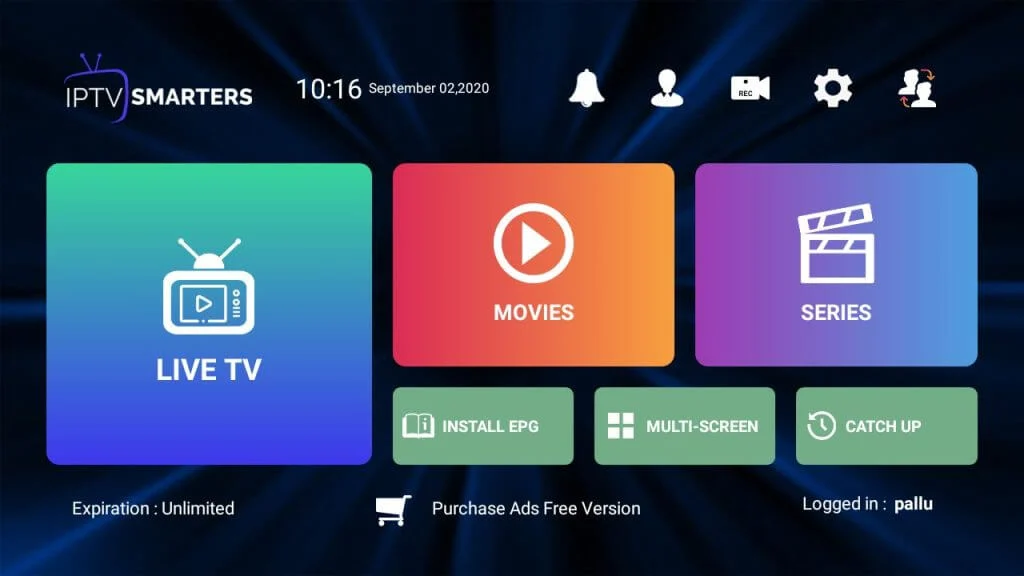
📲 Step 2: Install IPTV Smarters Pro App
This is the app you’ll use to watch.
Download it on your device:
✅ For Smart TVs (Samsung, LG, Android TV):
-
Open the TV’s app store
-
Search “IPTV Smarters Pro”
-
Install the app
-
Open it
✅ For Fire Stick:
-
Go to Settings > My Fire TV > Developer Options
-
Turn on “Apps from Unknown Sources”
-
Go to Smarters-Pro.net
-
Download the app
-
Install and open
✅ For Android Phone/Tablet:
-
Open Google Play Store
-
Search “IPTV Smarters Pro”
-
Install the app
-
Open it
✅ For iPhone/iPad:
-
Go to App Store
-
Search “IPTV Smarters Pro”
-
Install and open
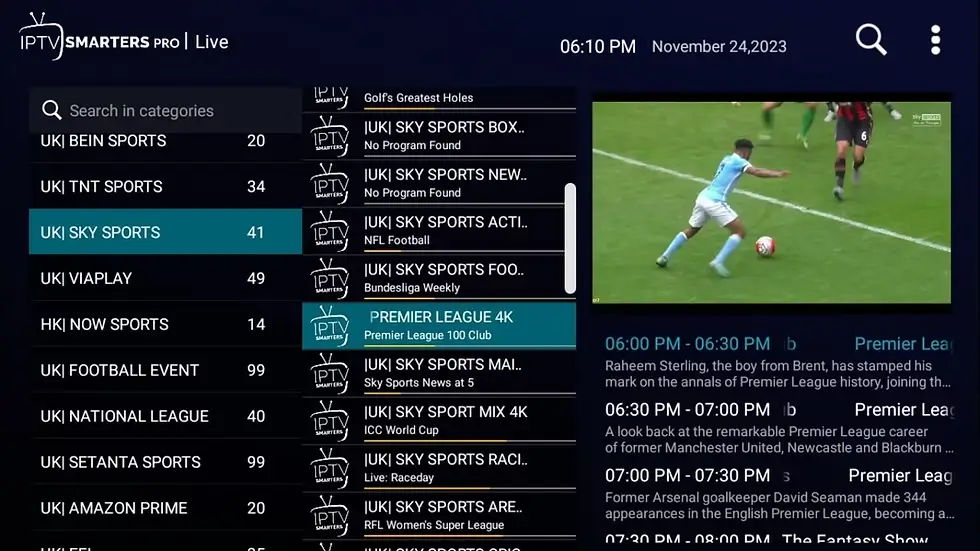
🔐 Step 3: Login with Xtream Codes API
After opening the app:
-
Tap “Login with Xtream Codes API”
-
Fill in the info from your email:
-
Username
-
Password
-
Server URL (example: http://example.com)
-
-
Press Add User / Login
The app will load your channels in a few seconds.
⚽ Step 4: Start Watching Live Sports
In the app menu, go to:
-
Live TV → For sports channels
-
Movies → For on-demand content
-
Series → For Netflix-style shows
You can now watch:
-
⚽ Football (Premier League, UCL, La Liga…)
-
🥊 UFC & Boxing (Fight Nights, PPVs)
-
🏀 NBA / 🏈 NFL / ⚾ MLB
-
🏎 Formula 1, MotoGP
-
🎾 Tennis, cricket, more
✅ All in HD.
✅ No delay or buffering (if your internet is stable).
🧰 Troubleshooting Tips
If something doesn’t work, try this:
❌ App won’t open or crashes
-
Restart your device
-
Delete and reinstall the app
❌ Login doesn’t work
-
Check if you typed everything correctly
-
Make sure there are no extra spaces in username/password
-
Contact support from the IPTV website you bought from
❌ Channels not loading
-
Wait a minute (server may be syncing)
-
Try another server if provided
-
Restart the app
❌ Video lags or buffers
-
Use faster internet (minimum 10 Mbps)
-
Use Ethernet instead of Wi-Fi if possible
-
Don’t stream on many devices at the same time
📱 Supported Devices
You can use IPTV on:
-
✅ Smart TVs (Android TV, Samsung, LG)
-
✅ Fire Stick or Fire TV
-
✅ Android phones and tablets
-
✅ iPhones and iPads
-
✅ Windows or Mac computers
-
✅ Mag Box, Enigma2, Android TV boxes
🕒 Daily Use Tips
-
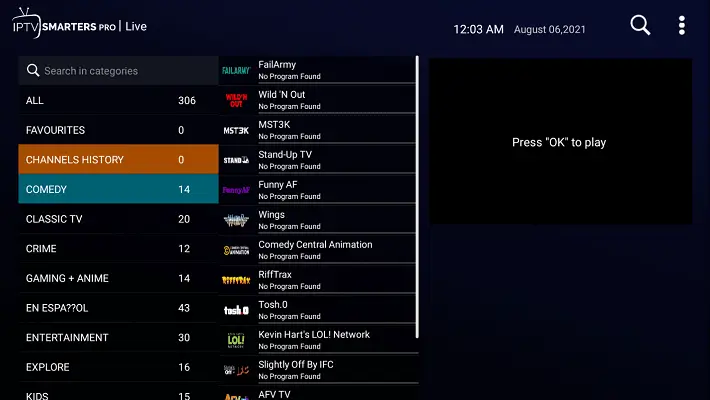
Open the app and go straight to “Live TV”
-
Use categories to find your sport (Football, F1, UFC, etc.)
-
Use the search bar to find a specific match or channel
-
You can favorite channels for faster access later
🛠 If You Need Help
You can contact the IPTV provider’s support:
-
🔗 Smarters-Pro.net – Chat & email support
Ask for help if:
-
You can’t login
-
Channels are missing
-
You want to upgrade your plan
-
You want multi-device support
✅ Final Summary
You can now:
-
Buy IPTV online
-
Install IPTV Smarters Pro
-
Login with your info
-
Watch all your favorite sports — live and in HD
👉 Get started today on Smarters-Pro.net
Works worldwide. No cable. Just internet.



